
Download Extreme Editor – code editor, programming tool, portable editor, syntax highlighting, hex viewer
Overview
Extreme Editor is a lightweight, portable notebook application designed to simplify programming tasks for developers who require a minimal yet powerful tool for code management. The app functions as a code editor with core features tailored to streamline coding workflows, particularly in environments where installation is restricted or undesirable. It serves as a practical solution for developers who frequently switch between machines, offering a consistent coding environment without the need for setup. The primary purpose of Extreme Editor is to provide a distraction-free space for writing, editing, and reviewing code across multiple programming languages.
By supporting syntax highlighting for languages such as C, C++, Python, and Ruby, the app enhances code readability and reduces errors during development. Its ability to function without installation makes it ideal for use on public computers, shared workstations, or temporary systems. Real-world use cases include on-the-go coding, debugging scripts during travel, or maintaining secure code access on locked machines. The app fills a niche in the productivity ecosystem by combining portability with essential development features, offering a reliable alternative to heavier IDEs. Although the developer did not provide additional technical details, the app’s continued relevance since its release in 2010 underscores its utility in the developer community.
Key Features & Functionality
- Portable and Install-Free: Extreme Editor can be stored on a USB drive and launched directly from any Windows machine without requiring installation. This feature ensures immediate access to your code files regardless of system configuration.
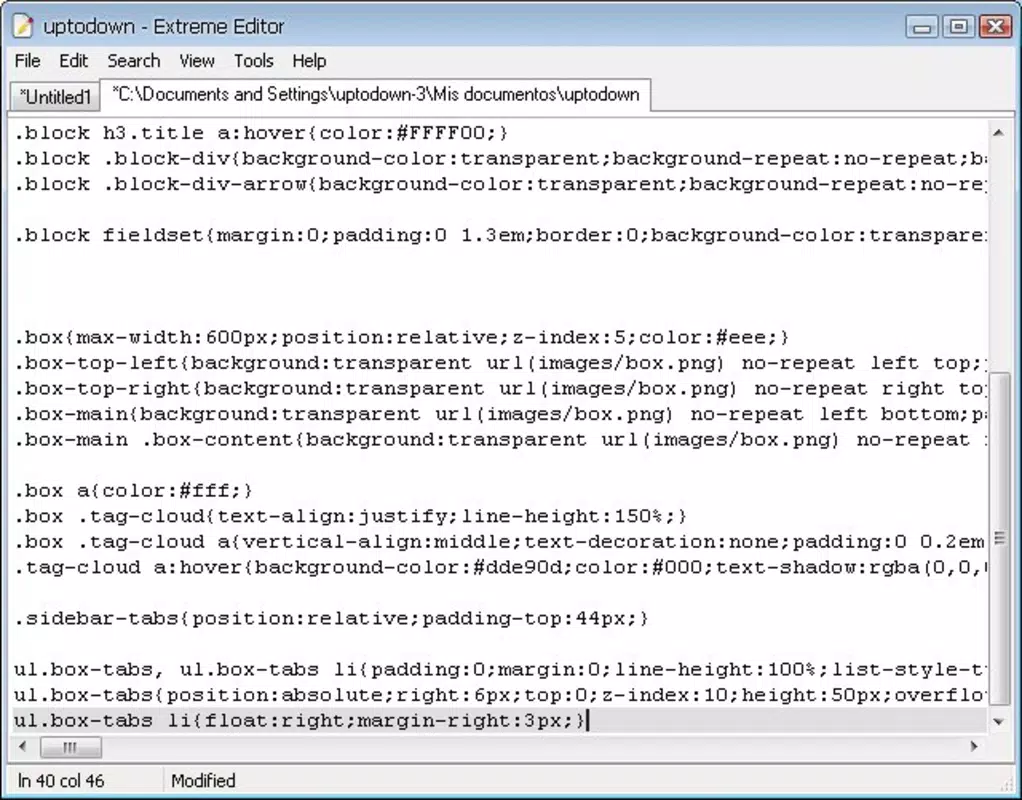
- Multi-Tab Interface: The app supports multiple open files through a clean tab system, allowing developers to switch between projects or code segments seamlessly. This enhances multitasking and improves workflow continuity.
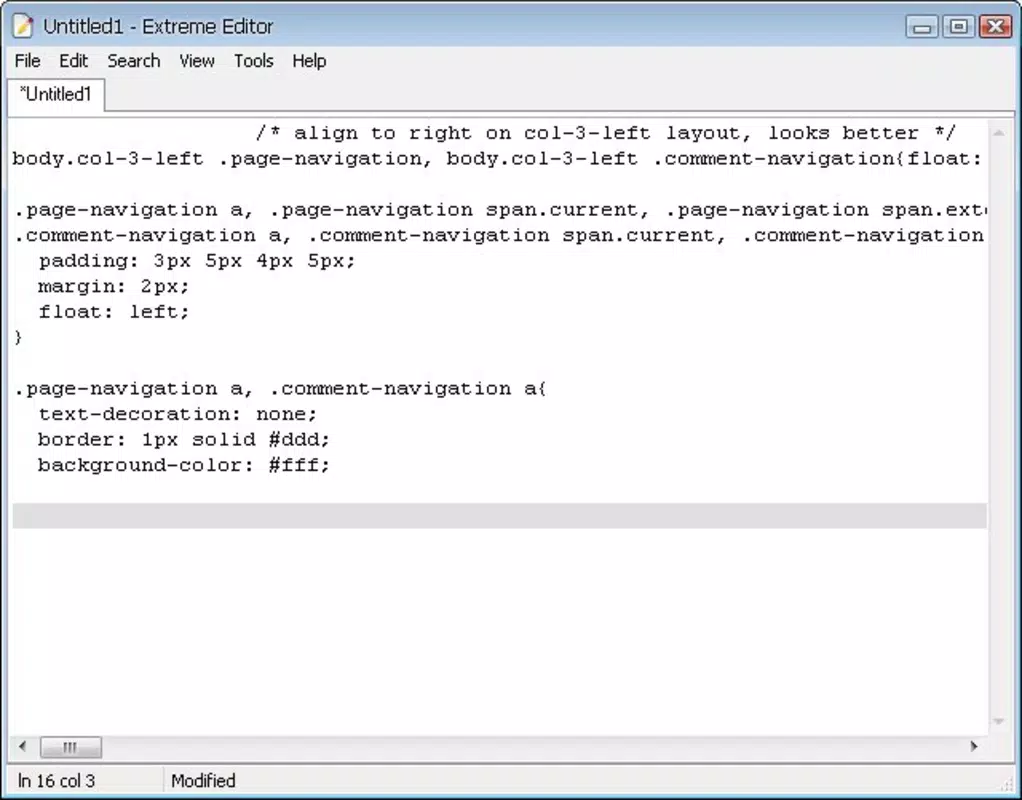
- Syntax Highlighting: With support for C, C++, Python, Ruby, and other common languages, syntax coloring helps users distinguish between keywords, variables, and comments, improving code comprehension and error detection.
- Hexadecimal Viewer: The built-in hex viewer enables developers to inspect binary files in hexadecimal format, a critical tool for low-level programming, firmware analysis, and data manipulation tasks.
- User-Friendly Design: The interface is intentionally minimal, focusing on functionality without clutter. This design philosophy reduces cognitive load and allows users to concentrate on coding rather than navigating complex menus.
For example, a developer working on a cross-platform project can carry Extreme Editor on a USB drive, open multiple source files simultaneously, and use syntax highlighting to verify code consistency. When debugging a binary file, the hex viewer provides real-time visual feedback, helping identify corrupted data or unexpected byte sequences. These features collectively make Extreme Editor a practical utility for both novice programmers and experienced developers seeking a lightweight, reliable tool.
Interface, UX & Performance
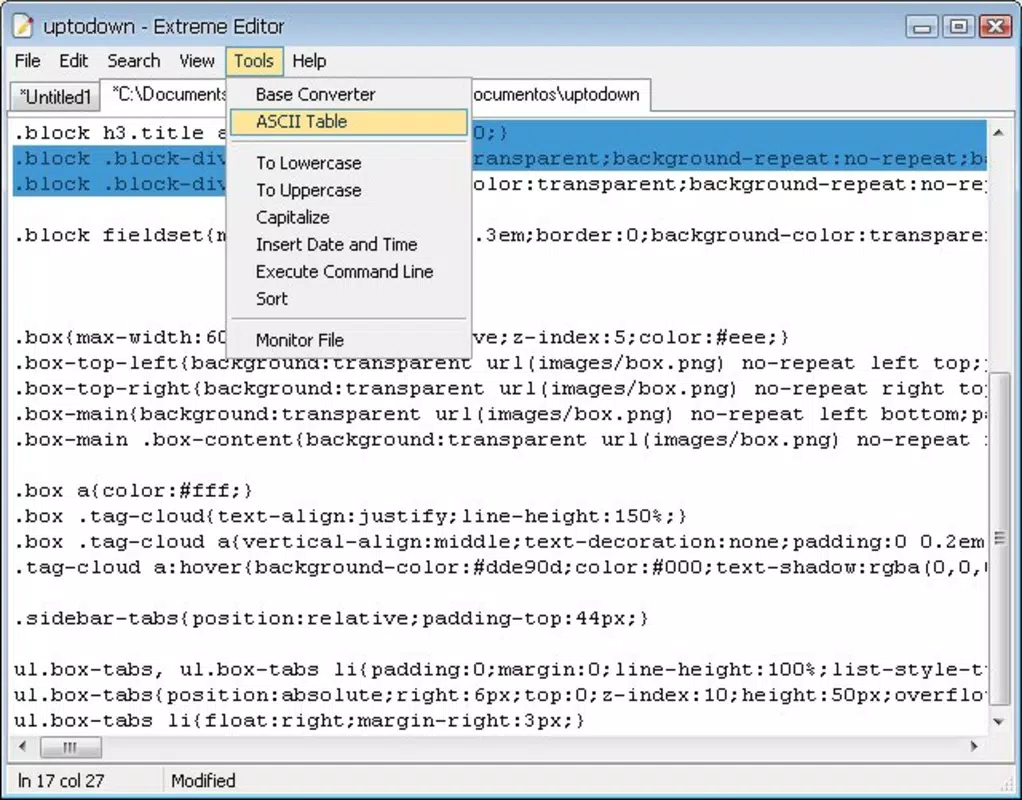
Extreme Editor features a clean, minimal interface that prioritizes usability and efficiency. The layout is straightforward, with a central editing area flanked by a tab bar and basic menu options. Navigation is intuitive, relying on standard keyboard shortcuts and mouse interactions familiar to most developers. The multi-tab system allows for smooth transitions between files, and the absence of visual distractions ensures focus remains on the code.
Although the developer did not list formal performance metrics, the app’s small file size of 1.5 MB suggests optimized resource usage. It is expected to load quickly and operate smoothly on older or low-spec Windows systems. Responsiveness is likely consistent across device categories, including desktops and laptops, though specific compatibility details were not disclosed.
Stability appears reliable, given the app’s long-standing presence in the developer toolkit since 2010. Users can expect minimal lag during editing and tab switching, even with multiple files open. The app does not appear to rely on external dependencies, contributing to its lightweight nature and consistent behavior across environments.
Platform Compatibility & Technical Requirements
Extreme Editor is designed exclusively for the Windows platform. It is compatible with Windows operating systems, though specific version requirements were not listed by the developer. The application is distributed as a standalone executable file with a size of 1.5 MB, making it easy to transfer and deploy across systems. Due to its portable nature, it does not require installation, allowing users to run it directly from a USB drive or local folder.
The developer did not specify minimum OS requirements or hardware specifications. As such, users should ensure their system supports running executable files and has sufficient permissions to access and modify files. Compatibility with modern Windows versions (such as Windows 10 and 11) is likely, given the app’s continued availability, but this has not been officially confirmed. No additional software dependencies were mentioned, which simplifies deployment and reduces potential conflicts.
Pros and Cons
Pros
- Lightweight and portable – runs from USB without installation
- Supports syntax highlighting for multiple programming languages
- Multi-tab interface enhances workflow efficiency
- Includes a built-in hexadecimal viewer for binary file inspection
- Free to download and use with no hidden costs
Cons
- No official updates or maintenance information provided
- Platform limited to Windows only
- Developer did not disclose minimum OS or hardware requirements
- Interface lacks advanced customization options
- Not available on mobile or macOS platforms
FAQ
Is Extreme Editor safe to download and use?
Yes, Extreme Editor is a free, standalone application that does not require installation. As it is distributed as a portable executable, it does not modify system settings or install background processes. However, users should always download from trusted sources to ensure file integrity.
Can I use Extreme Editor on macOS or Linux?
No, the app is currently available only for Windows. The developer has not released versions for macOS or Linux platforms.
Does Extreme Editor support mobile devices?
No, the application is designed for desktop use on Windows systems. It is not compatible with Android or iOS devices.
How do I update Extreme Editor?
The developer has not provided information about update frequency or release cycles. Users should check the official source for any new versions, though no updates have been reported since its initial release in 2010.
Can I edit binary files using Extreme Editor?
Yes, the app includes a hexadecimal viewer that allows users to inspect and analyze binary files in a readable format, making it useful for low-level programming and data analysis tasks.
Final Thoughts
Extreme Editor remains a niche but valuable tool for developers seeking a lightweight, portable code editor with essential features. Its combination of syntax highlighting, multi-tab support, and a built-in hex viewer makes it a practical choice for on-the-go programming and system-level debugging. While it lacks modern enhancements and official updates, its simplicity and reliability continue to serve a dedicated user base.
The app is especially beneficial for developers who prioritize portability, minimalism, and immediate access to their code across different machines. For those needing a secure, free, and install-free coding solution on Windows, Extreme Editor delivers tangible value. Its enduring presence in the developer ecosystem speaks to its effectiveness.
Download Extreme Editor now


